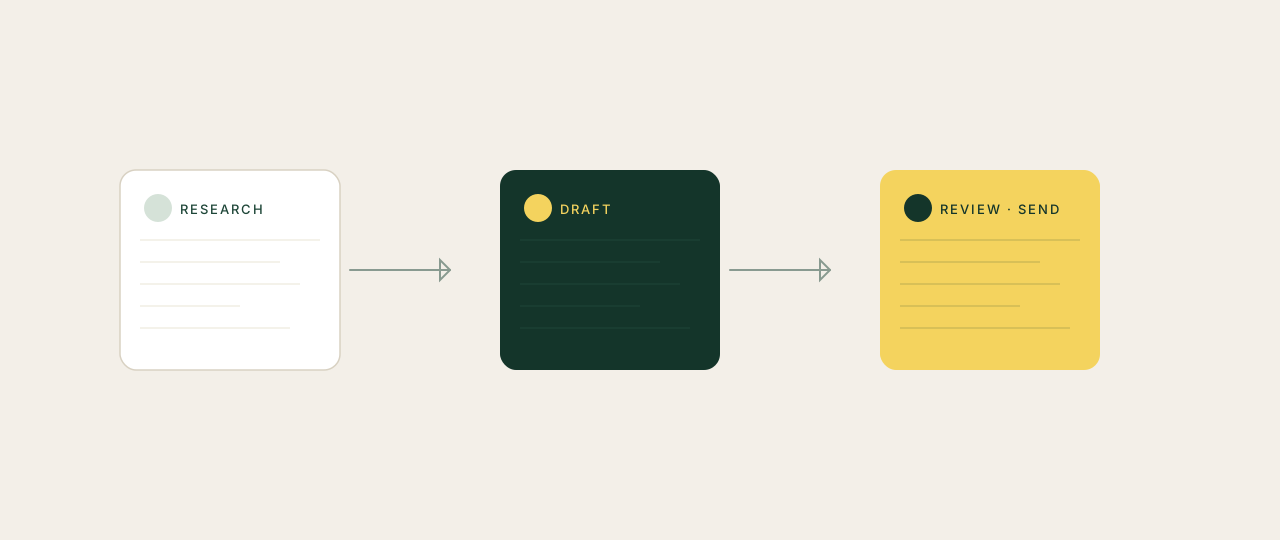
Most founders hate sending LinkedIn DMs. The cold message feels gross. Templates are obvious. Writing one good message takes 15 minutes once you've researched the person, scanned their last few posts and figured out a real reason to reach out.
That last sentence is the unlock. The work is not the typing. It is the research and the angle. Claude can do both in 90 seconds, in your voice, at any volume you choose to send.
Why template automation broke
Tools like Dripify, Lemlist and the rest scaled the spam. They send 50 connection requests a day with the same opener. Reply rates collapsed across the board. LinkedIn now penalises accounts that look automated. And the recipient knows: "Hi {firstName}, I noticed you..." gets deleted before the second comma.
The right approach reverses the order. Research first. Personalise specifically. Send fewer, send better.
Two ways to build it
Option 1: Claude in Chrome (recommended for non-technical founders). The Chrome extension drives your real browser. It opens the prospect's LinkedIn profile, reads their bio, summarises their last few posts, and drafts the DM in a side panel. You read it, edit if needed, paste into LinkedIn, send. No code. About 10 minutes to set up.
Option 2: Claude Code (recommended if you write scripts). Terminal-based. Wire it to a list of contacts, drive Chrome with Playwright, batch the research, output a CSV of drafted DMs. More power, more setup, more risk of getting your account flagged if you go aggressive.
For most founders, Claude in Chrome is the answer. Start there.
The playbook (Chrome version)
- Define your ICP. One sentence. "Series A B2B SaaS founders in the UK with 10 to 50 employees" beats "founders".
- Build a voice file. Create
brand-voice.mdwith: how you talk, words you avoid, two or three DMs you have sent that got replies. Drop it in your Cowork workspace. - Open the prospect's LinkedIn profile in Chrome.
- Trigger Claude in Chrome. Use the prompt below.
- Review the draft. Edit the angle if it's off. Send by hand.
- Log the send in a
contacts.mdfile. Claude will use it for follow-ups and to avoid messaging the same person twice.
The prompt
ROLE: You are my LinkedIn outreach assistant.

TASK: Read the LinkedIn profile open in this Chrome tab and draft a 3-line first-touch DM I can send today.

INPUT SCOPE:
- The current LinkedIn profile in the active tab: their bio, role, last 3 posts, last 3 comments, recent activity
- Read brand-voice.md from my Cowork workspace
- Read about-me.md so you know what I do and who I work with
- Read /past-dms/ folder for examples of DMs that got replies

DRAFT THE DM AS:

LINE 1: A specific opener.
- Reference something they have actually posted, written or done in the last 90 days
- Quote a specific phrase or detail, not a vague nod
- Do not use "I came across your profile"
- Do not use "I noticed you..."

LINE 2: The reason for the message.
- One sentence
- Skip the pitch
- Hint at value, do not promise it

LINE 3: A low-friction next step.
- A question they can answer in two sentences
- Or an offer of something useful (intro, resource)
- Never "let's hop on a call" as a first message

RULES:
- 3 lines max, 250 characters total
- Match the formality of their last LinkedIn post
- Use my voice from brand-voice.md
- Banned phrases: "I noticed you", "I came across", "quick question", "would love to chat", "reaching out"

OUTPUT:
1. The draft message, ready to copy into LinkedIn
2. The specific signal you used from their profile (post title, comment quote, recent move)
3. A confidence score 1 to 10 that this person will reply
4. If below 7, suggest waiting until they post something else worth referencing

Do not send anything. I will review and send by hand.

MY CONTEXT: [add anything specific, e.g. "I am hiring a head of growth this quarter, prioritise people who write about scaling"]
What to never do
- Send 100 DMs a day. LinkedIn flags volume patterns and your account is gone.
- Use the same opener twice. If two prospects could swap messages and not notice, you have already failed.
- Follow up more than twice if they have not replied. Two no-replies is a no.
- Hide a pitch inside a connection request. Fastest way to get blocked, reported and ignored.
- Send "let's hop on a call" before the first reply. Earn the call.
What good looks like
A founder using this well sends 10 to 20 truly personalised DMs a week. Each one references something specific. Each one offers something before asking for anything. Reply rates run 25 to 40%. The sender's reputation goes up, not down.
Compare that to the template-and-blast approach: 200 DMs a week, 1 to 2% replies, an account that gets cooler with LinkedIn's algorithm every month, and a name that quietly gets added to "do not respond" lists across your category.
The automation that works is research-first, not send-first. Claude does the part you hate (researching every profile from scratch). You do the part that matters (deciding whether to send, and what to say). Your reply rates 5x. Your reputation stays clean. Your inbox starts to feel like a real conversation, not a numbers game.