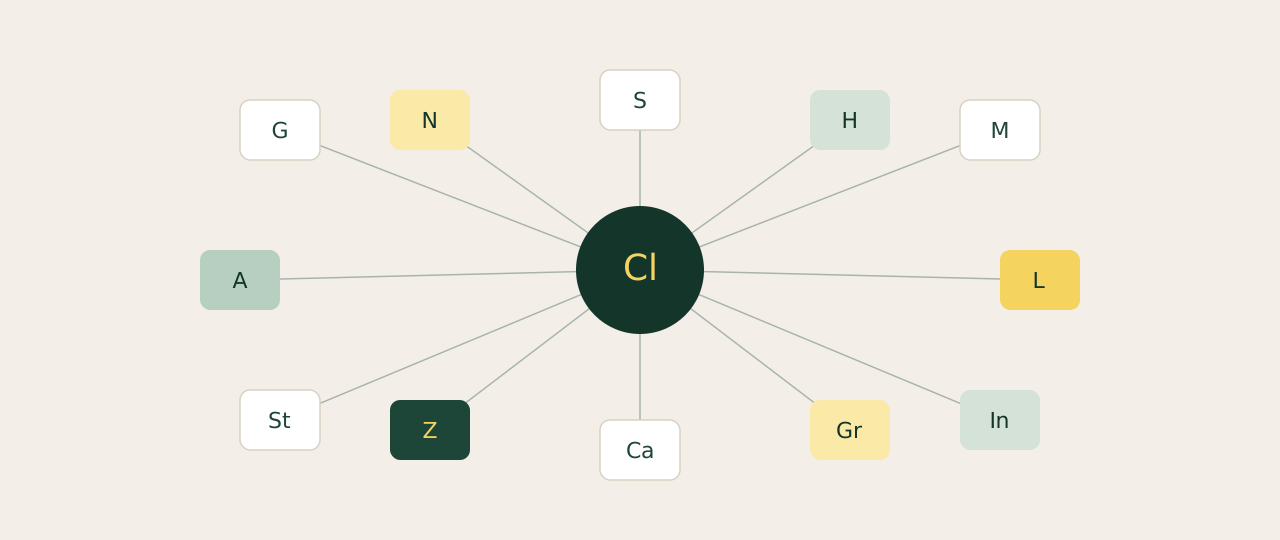
Most founders trying Claude for the first time stop at the chat window. They miss the actual unlock: connectors. With them, Claude reads your inbox, your calendar, your CRM, your docs and your projects, and acts on them. Without them, you keep copy-pasting into chat like it's 2024.
How to add one
Open Claude Cowork. Settings → Connectors → Browse → Add. Pick from the list, sign in, grant the permissions you're comfortable with, done. Most installs take under 30 seconds. Start with three. Add a fourth when you find yourself wishing for it.
Comms and calendar
The connectors you'll touch every working day. If you only install three things, install these three.
Gmail
CommsSearches your inbox, surfaces the threads that matter, drafts replies in your voice. The single highest-ROI connector.
Google Calendar
OpsSchedules meetings, manages RSVPs, pulls tomorrow's calendar straight into a morning brief.
Slack
CommsSends messages, fetches channel history, pulls threads into the chat instantly. Ends a lot of "let me check Slack" tabbing.
Docs and notes
Where your reference material lives. Adding these stops you from re-explaining context.
Google Drive
DocsReads your Docs, Sheets and Slides mid-chat without you uploading anything.
Notion
DocsSearches pages, updates databases and pulls briefs without breaking your flow.
Microsoft 365
DocsSharePoint, OneDrive, Outlook and Teams in one connector. Useful if your team lives in Microsoft.
Ops and projects
Project management and meeting memory. The "what is everyone working on" stack.
Asana
OpsCreates tasks, tracks projects, coordinates team goals from the chat.
Linear
OpsManages issues, writes ticket descriptions, tracks what's in flight across the team.
Granola
OpsReads your AI meeting notes so nothing said in a call ever gets lost.
CRM and customer
HubSpot
CRMReads your CRM data, drafts follow-ups, surfaces pipeline insights.
Intercom
CRMPulls customer conversations and support data into the chat. Strong for voice-of-customer analysis.
Sales prospecting
Apollo.io
SalesFinds buyers, researches prospects, books meetings without leaving Claude.
Clay
SalesResearches accounts, finds prospects, personalises outreach at scale.
Content and design
Canva
ContentCreates, autofills and exports Canva designs from a prompt. No design tool needed for the basics.
Gamma
ContentGenerates presentations, social posts and landing pages from a single prompt.
Voice input
The connector that pays off if you'd rather speak than type. Especially for long prompts.
Whispr
VoiceVoice-to-text for everything you'd rather speak than type. Founders use it to dictate prompts at three times typing speed.
Finance
Stripe
FinanceReads payment data, financial reports and account info. Useful for monthly close-outs and revenue reviews.
Workflow automation
Glue connectors that link Claude to the long tail of tools you use.
Zapier
AutoTriggers Zapier automations from a Claude conversation. Connects Claude to thousands of other tools.
Make
AutoRuns Make scenarios and manages your automation account from the chat.
n8n
AutoAccesses and runs your n8n workflows from inside Claude. The open-source pick of the three.
Connectors are the moment Claude stops feeling like a chatbot and becomes part of your stack. Pick three, get them working in a week, then add the next three. Within a month you have a personalised operating layer no agency, freelancer or off-the-shelf tool can match.